AI Kitchen Visualizer: See Your Remodel Before Spending $30K
By Noah James
• 8 min read • Founder, DrivewAI
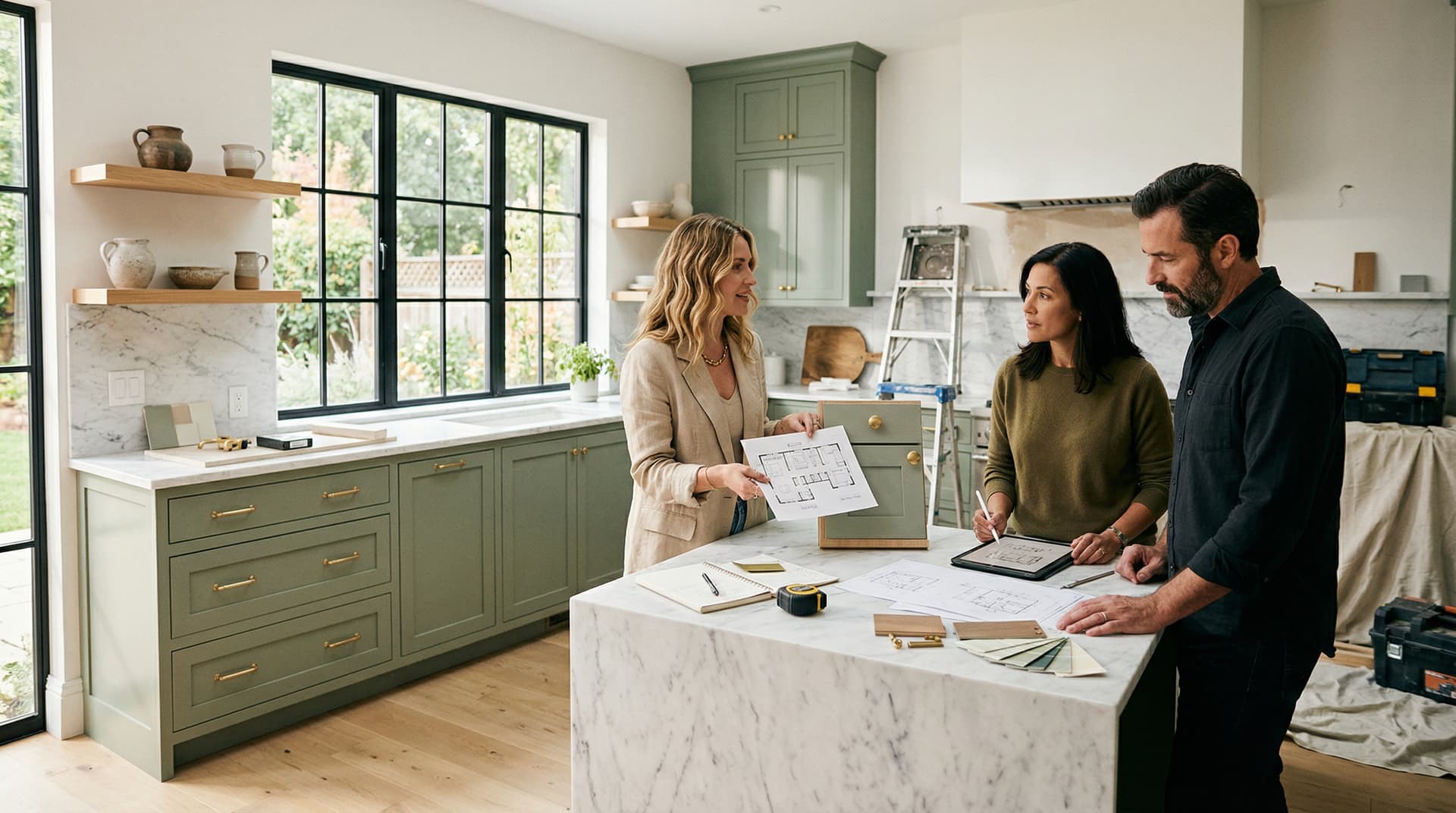
The average kitchen remodel in the United States costs $26,790 for a mid-range project and can exceed $75,000 for a major renovation. That's a significant commitment to make based on paint swatches, Pinterest boards, and a contractor's verbal description. An AI kitchen visualizer eliminates that guesswork by showing you exactly what your kitchen will look like after the renovation — before you spend a dollar.
Instead of imagining how navy cabinets would look under your specific lighting, or whether sage green would clash with your countertops, you upload a single photo and get a photorealistic rendering in under 60 seconds. No design skills. No 3D modeling. No showroom appointment. Just your kitchen, transformed.
What Is an AI Kitchen Visualizer?
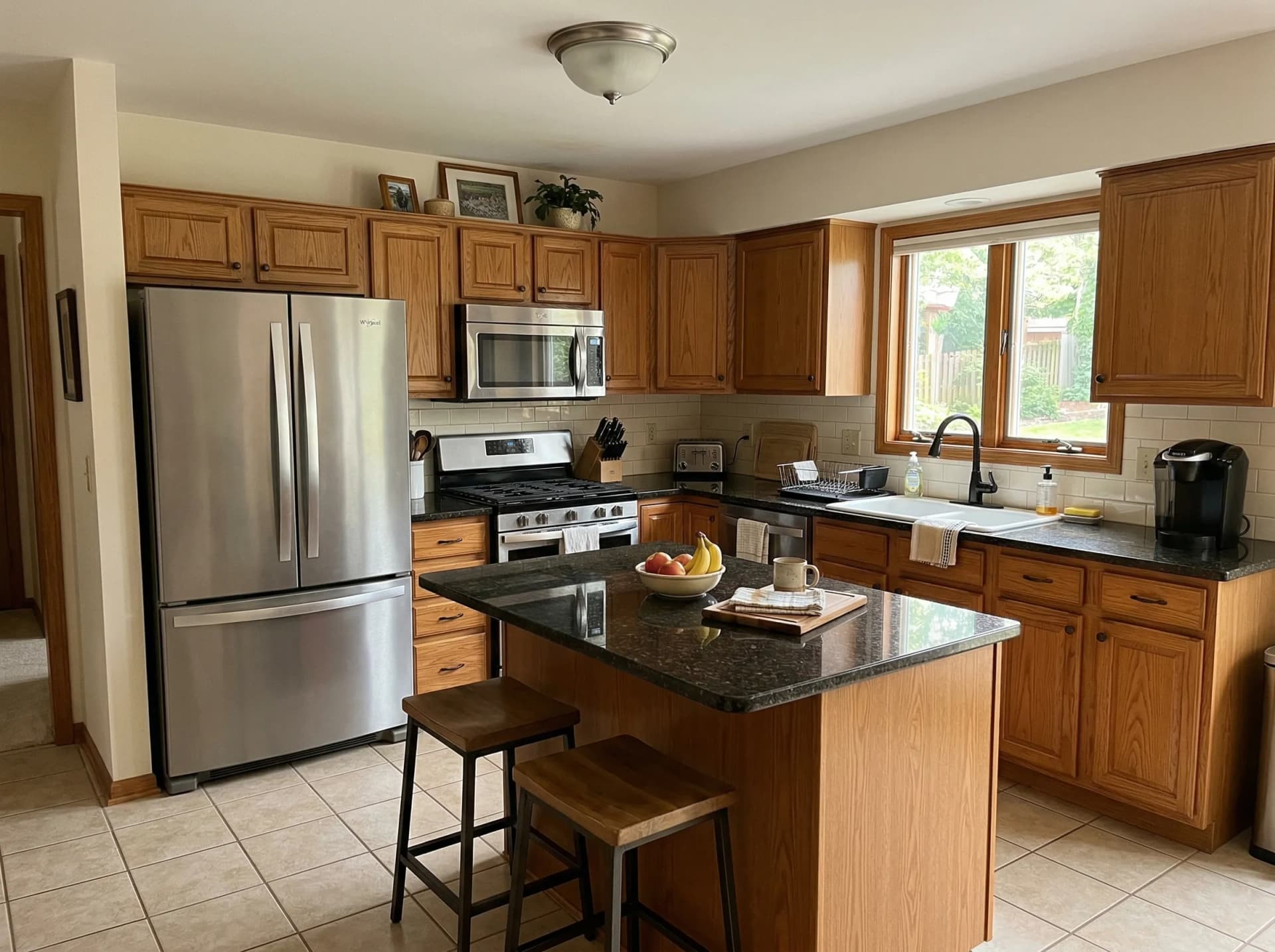
An AI kitchen visualizer is a tool that takes a photo of your existing kitchen and generates photorealistic renderings of how it would look with different cabinet finishes, backsplash materials, hardware, and decor — without changing the layout. The AI identifies your cabinets, countertops, backsplash, and hardware, then replaces only the style elements while preserving the room's architecture.
This is fundamentally different from traditional kitchen design software like 2020 Design or Chief Architect, which require you to build a 3D model from scratch. Those tools are built for professionals billing hourly. An AI visualizer is built for the homeowner who wants to answer one question: what should my kitchen look like?
DrivewAI's kitchen visualizer generates renderings across 7 curated designer styles. Upload your photo, pick a style, and see the result. The whole process takes less time than brewing a pot of coffee.
How Much Can an AI Kitchen Visualizer Save You?
The cost gap between AI visualization and traditional kitchen design is where this gets interesting:
- Professional kitchen designer: $65–$250 per hour, typically $500–$5,000 for a full design consultation with renderings - Showroom rendering: $200–$500 per concept, usually limited to one or two options using the showroom's cabinet line - AI kitchen visualizer: Free to $15/month for unlimited style comparisons
Most homeowners visit 2–3 showrooms before making a cabinet decision. Each visit takes half a day. Each rendering — if the showroom even offers one — shows you only their products. An AI visualizer lets you compare 8 completely different aesthetics on your actual kitchen in an afternoon, from your couch.
DrivewAI offers a free monthly render. A $9.99 5-pack lets you compare five customized renders, while Pro is $99.99/month for unlimited renderings across all products — kitchen, driveway, staging, and landscaping.
8 Kitchen Styles You Can Preview
The value of an AI kitchen visualizer isn't just seeing one option — it's comparing multiple styles on the same kitchen in minutes. Here's what's available on DrivewAI's kitchen tool:
Modern White — Crisp white flat-panel or shaker cabinets with quartz countertops and a porcelain slab backsplash. The most requested kitchen style in America for a reason — it's bright, clean, and photographs beautifully for resale.
Warm Natural Wood — White oak or light walnut fronts with visible grain, zellige tile backsplash, and brushed brass hardware. The antidote to the all-white kitchen that's been dominating for a decade.
Navy & Brass — Deep navy painted shakers with aged brass cup pulls and white marble countertops. Rich, sophisticated, and a strong choice for homeowners who want drama without going dark.
Scandinavian Minimal — Light birch cabinets with handleless push-to-open fronts and white composite countertops. Perfect for smaller kitchens where a light palette makes the room feel twice its size.
Modern Farmhouse — White shaker cabinets with beadboard details, honed marble, and classic subway tile. Matte black bin pulls and iron pendant lights. Distinctly American and enduringly popular.
Sage Green — Muted sage painted cabinets with brushed brass hardware. One of the fastest-growing kitchen color trends in 2026 and a style that's hard to evaluate from a swatch alone — which is exactly why seeing it on your actual kitchen matters.
Industrial Modern — Dark charcoal flat-panel cabinets with concrete-look countertops and exposed brick or dark subway tile. Bold and urban.
Mediterranean — Warm cream cabinets with raised-panel doors, travertine countertops, and hand-painted patterned tile. Sun-washed and romantic.
Each rendering preserves your kitchen's exact layout, window placement, and appliance positions. You're comparing finishes, not floor plans.
Who Should Use an AI Kitchen Visualizer?
Homeowners in the planning phase. If you're 3–12 months out from a kitchen remodel, this is the most cost-effective step you can take. Seeing your kitchen in 4–5 styles narrows your choices before you step foot in a showroom — and prevents the most expensive mistake in renovation: changing your mind after cabinets are ordered.
Couples who can't agree on a direction. Instead of debating Modern White vs. Sage Green in the abstract, you both look at photorealistic renderings of your actual kitchen in each style. The conversation shifts from opinion to observation.
Kitchen designers and contractors. Upload a client's kitchen photo, generate 3–4 style options in minutes, and present them at the consultation. This eliminates the revision cycle that eats into your margins — clients who see the result before demolition rarely change their minds mid-project.
Real estate agents and flippers. Dated kitchens are the number one reason buyers negotiate price down. According to the National Association of Realtors, kitchen renovations recover 75% of their cost at resale. AI renderings let you show buyers what a kitchen could look like without spending the $30K to prove it.
AI Kitchen Visualizer vs. Traditional Design Tools
| Feature | Traditional Software | AI Kitchen Visualizer |
|---|---|---|
| Input required | Manual 3D modeling | Single phone photo |
| Time to first result | 2–8 hours | Under 60 seconds |
| Learning curve | Weeks | None |
| Output realism | Depends on operator skill | Photorealistic |
| Uses your actual kitchen | Requires measuring every surface | Always — it's your photo |
| Cost | $100–$300/month | $0–$15/month |
Traditional tools produce construction-ready specifications. They're essential once you've made your design decision and need precise cabinet dimensions for fabrication. But for the decision phase — "sage green or navy?" — an AI visualizer gets you there in a fraction of the time.
Tips for the Best AI Kitchen Renderings
Shoot in good light. Turn on all kitchen lights and photograph during the day if you have windows. The AI uses the lighting in your photo, so brighter and more even light produces sharper results.
Capture the full view. Step back enough to include upper cabinets, countertops, backsplash, and at least part of the island if you have one. The more context the AI has, the more realistic the rendering.
Try at least 4 styles. Speed is the point. Homeowners who come in certain they want Modern White frequently discover they prefer Warm Natural Wood or Navy & Brass once they see it on their actual cabinets. You won't know until you see it.
Bring the renderings to your contractor. A photorealistic image of your kitchen in your chosen style is the most effective brief you can hand a designer or contractor. It eliminates hours of back-and-forth over swatches, samples, and verbal descriptions.
Start Visualizing Your Kitchen Remodel
If you've been putting off a kitchen renovation because you can't commit to a direction, an AI kitchen visualizer removes the biggest barrier: uncertainty. See the result before you spend the money.
Upload a photo of your kitchen and preview all 7 styles. Your free monthly render is included — no credit card, no commitment. Compare Modern White against Sage Green against Navy & Brass on your actual cabinets, in your actual lighting, and walk into the showroom knowing exactly what you want.
For more on how AI kitchen visualization works under the hood, check out our deep dive on AI kitchen redesign.
About the author
Noah James
Founder, DrivewAI
Noah James is the founder of DrivewAI, an AI home visualization platform that helps homeowners, contractors, and real estate agents preview renovations before committing. He built DrivewAI to close the gap between inspiration and execution in home improvement.
His writing focuses on practical renovation decision-making, material comparisons, and how AI visualization tools are changing the way people plan projects — from driveway replacements to full interior staging.
See your kitchen restyled by AI
Upload a photo and get AI renderings across all styles. First one free.
Try DrivewAI Free