How to Choose a Driveway Designer (and Why AI Mockups Make It Easier)
By Noah James
• 8 min read • Founder, DrivewAI
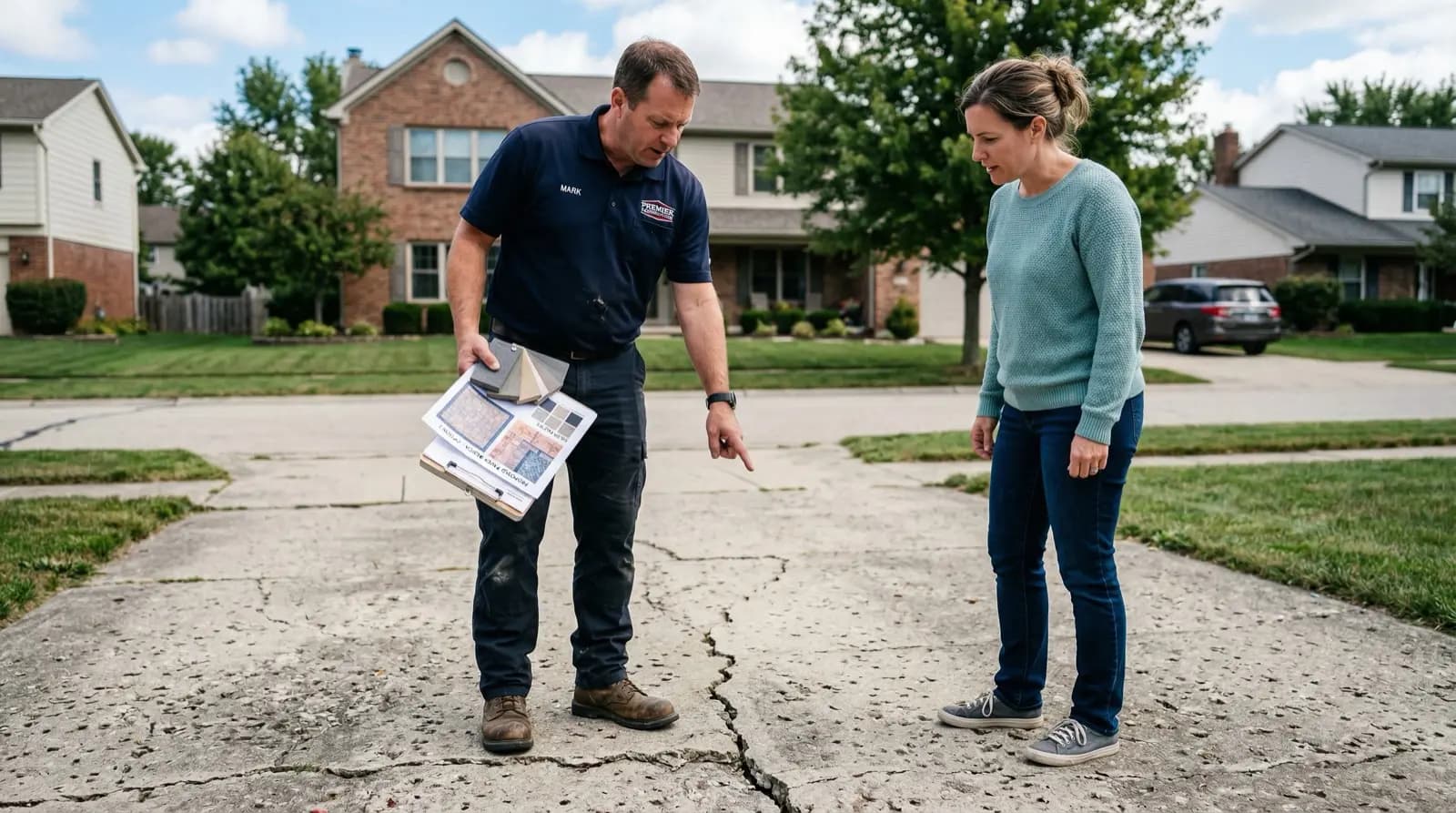
"Driveway designer" means different things depending on who you ask. To some people, it's a landscape architect who draws up full hardscape plans with CAD software and charges $2,000 before anyone picks up a shovel. To others, it's just the contractor who shows up and says "I think pavers would look nice here."
Both of those approaches have problems. The architect route is expensive and slow. The contractor-as-designer route is fast but unreliable — you're trusting the aesthetic judgment of someone whose primary skill is pouring concrete, not design.
There's a middle ground now, and it involves doing some of the design work yourself before you ever pick up the phone.
What a Driveway Designer Actually Does
Let's clarify what you're paying for when you hire someone to design your driveway:
Layout and grading. A proper driveway design accounts for water drainage, slope, the turning radius of your vehicles, the distance from the street to the garage, and local setback requirements. This is engineering as much as design.
Material selection. This is the aesthetic part — choosing between concrete, pavers, stone, brick, and the dozens of sub-options within each category. Color, pattern, border treatments, transitions to walkways.
Construction drawings. Detailed plans that the installation crew follows. These include dimensions, material specifications, base preparation requirements, and drainage solutions.
The first and third items require professional expertise. There's no shortcut for proper grading calculations or construction specs. But material selection? That's where homeowners can — and should — take the lead.
Red Flags When Hiring a Driveway Designer
I've talked to enough homeowners who've been burned to spot the patterns. Watch out for:
Contractors who push one material exclusively. If every project in their portfolio is stamped concrete, that's not versatility — it's a limitation. They're recommending what they're best at installing, not what's best for your property. A legit driveway designer should be comfortable discussing and installing at least 3-4 different material types.
No portfolio with completed photos. Anyone can show you manufacturer stock photos of pavers. Ask for pictures of driveways they've actually installed — ideally with the client's name and city so you can drive by and look at the work. Reputable contractors are proud to share this.
Vague quotes without material specifications. "We'll do a nice paver driveway for $18,000" is not a real quote. You need the specific paver brand and model, the base depth, whether they're including polymeric sand, the edging type, and what happens if they hit underground utilities. Details matter.
No drainage plan. Water management is the single most common failure point in driveway installations, according to data from the Interlocking Concrete Pavement Institute. If your designer doesn't bring up drainage before you do, that's a problem.
How to Work With a Driveway Designer Effectively
The homeowners who get the best results from their driveway designers are the ones who show up prepared. Here's what that looks like:
Know your material preference before the first meeting. You don't need to be locked in, but narrowing it down to 2-3 materials saves enormous time. This is where driveway mockup software earns its keep — upload a photo, see 6 options, and arrive at the meeting with a clear shortlist and visual references.
Set a realistic budget range. Driveway costs vary wildly by material (per HomeAdvisor and Angi): - Asphalt: $7-$13/sq ft (HomeAdvisor, 2025) - Plain concrete: $8-$15/sq ft - Stamped concrete: $12-$18/sq ft - Interlocking pavers: $15-$30/sq ft - Natural stone: $20-$50/sq ft
For a standard 600 sq ft driveway, that's anywhere from $4,200 to $30,000. Know where your budget falls before the conversation starts.
Bring visual references. Designers respond to images, not verbal descriptions. "I want something warm and rustic" means ten different things to ten different people. A mockup showing your actual house with a brick herringbone driveway? That's unambiguous.
Ask about their process. Good driveway designers have a clear sequence: site assessment, design proposal, material confirmation, construction timeline. If someone shows up ready to start digging on day one without a design phase, walk away.
The Rise of AI Driveway Design Tools
Here's what's changed in the last few years: you no longer need to hire a designer just to see what different materials look like on your property.
AI driveway design tools like DrivewAI let you upload a photo of your current driveway and generate photorealistic mockups in multiple materials. The AI handles the hard part — mapping the driveway surface, matching perspective and lighting, rendering realistic material textures.
This doesn't replace a contractor's technical expertise for grading, drainage, and construction. But it does replace the most expensive and time-consuming part of the design phase: figuring out what you actually want.
Think of it this way: you're not eliminating the driveway designer from the process. You're showing up to the first meeting with the design already 80% figured out. That makes the designer's job easier, your communication clearer, and the project timeline shorter.
The Smart Approach: AI Mockup First, Then Contractor
Here's the workflow that gets the best results:
1. Upload your driveway photo to a mockup tool. See all the material options on your actual property. This takes 5 minutes.
2. Pick your top 2-3 materials. Save the mockups — you'll use these later.
3. Get 3 contractor quotes. Share the mockup images with each contractor. Ask them to quote against the specific materials in your renderings.
4. Compare apples to apples. Because every contractor is quoting the same visual reference, the quotes are directly comparable.
5. Hire the best fit. Not the cheapest — the one whose communication, portfolio, and approach give you the most confidence.
This approach typically saves homeowners 2-3 weeks of the back-and-forth design phase and results in significantly less mid-project changes (which are always expensive).
Choosing Between a Full Designer and DIY Design
| Factor | Full Driveway Designer | AI Mockup + Contractor |
|---|---|---|
| Cost | $500-$2,000 for design | $0-$15 for mockups |
| Timeline | 1-3 weeks for designs | 5 minutes |
| Material options | Limited by designer's preferences | All options shown equally |
| Technical plans | Included | Contractor handles |
| Drainage design | Included | Contractor handles |
| Best for | Complex properties, multi-element hardscapes | Straightforward driveway replacements |
For most standard driveway replacements — removing the old surface, rebuilding with new material — AI mockups plus a qualified contractor is the faster, cheaper, and often better approach. Reserve full designer services for complex projects involving multiple hardscape elements, significant grading challenges, or properties with unusual drainage requirements.
The Bottom Line
The best driveway designer is one who knows what you want before they start drawing. AI mockup tools put you in that position. You walk into the first meeting with clear visual references, a defined material preference, and a realistic budget — and the designer can focus on what they're actually good at: engineering a driveway that drains properly, handles your climate, and lasts 25 years.
About the author
Noah James
Founder, DrivewAI
Noah James is the founder of DrivewAI, an AI home visualization platform that helps homeowners, contractors, and real estate agents preview renovations before committing. He built DrivewAI to close the gap between inspiration and execution in home improvement.
His writing focuses on practical renovation decision-making, material comparisons, and how AI visualization tools are changing the way people plan projects — from driveway replacements to full interior staging.
See your home transformed by AI
Upload a photo and get AI renderings across all styles. First one free.
Try DrivewAI Free