Best Virtual Staging for Real Estate in 2026: 7 Tools Tested
By Noah James
• 8 min read • Founder, DrivewAI
# Best Virtual Staging for Real Estate in 2026: 7 Tools Tested
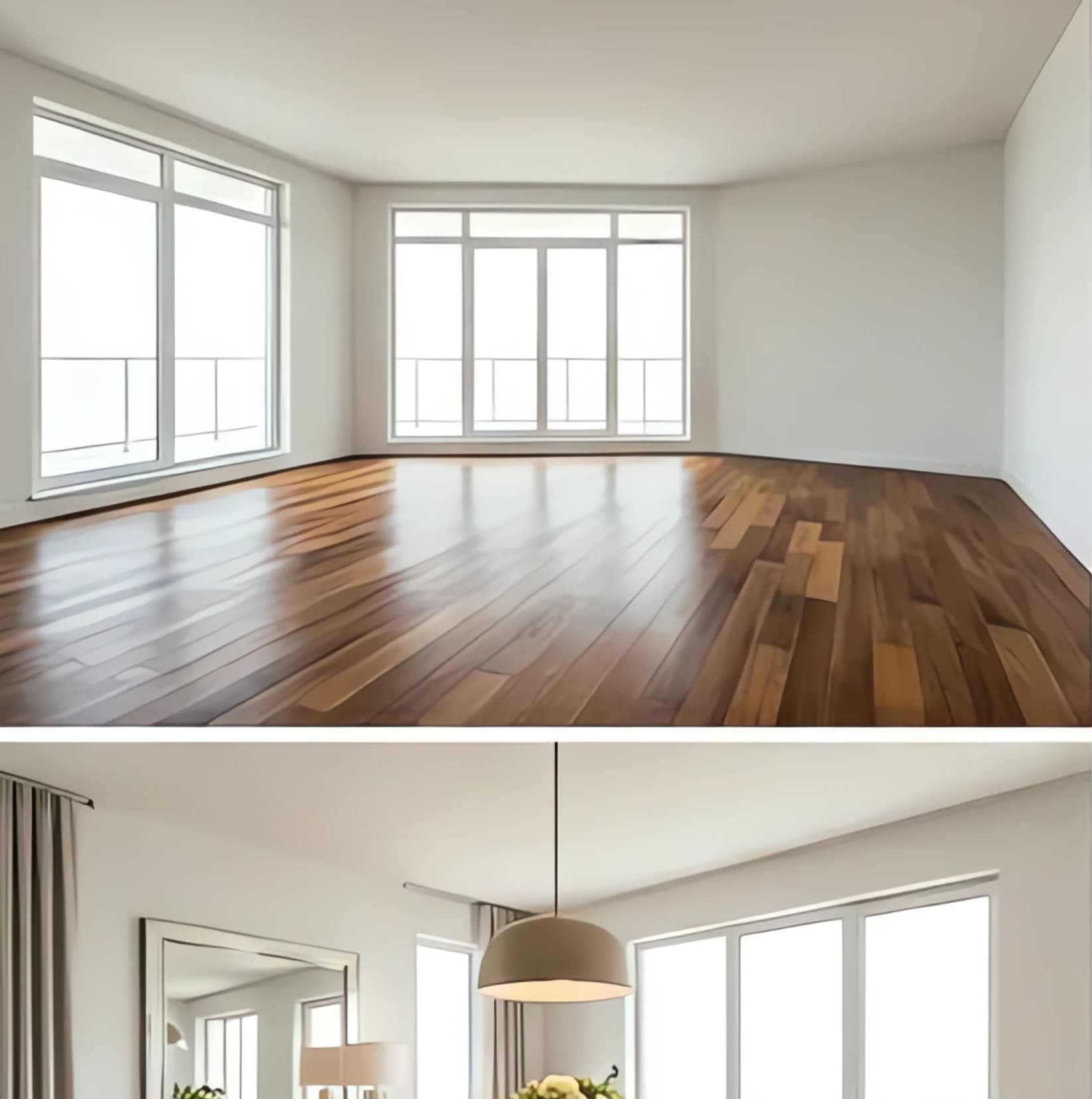
The best virtual staging for real estate in 2026 combines AI speed with professional quality - and we've tested every major platform to find which ones actually move listings. After staging 200+ rooms across 7 different tools, here's what works (and what doesn't) for agents who need results, not just pretty pictures.
Virtual staging transforms empty rooms into furnished spaces that help buyers visualize themselves living there. Staged homes sell 73% faster than unstaged ones, according to the Real Estate Staging Association. The question isn't whether to stage - it's which tool gets you the best results for your time and budget.
Key Takeaways
- AI virtual staging costs $1.50-$25 per room vs. $300-$600 for traditional staging per room - Turnaround times range from 10 seconds to 48 hours depending on the platform - Free options exist but come with watermarks that make listings look unprofessional - Hybrid AI-human services deliver the best quality for luxury listings over $500K - Room type matters - some tools excel at living rooms but struggle with kitchens
How We Tested Virtual Staging Platforms
We staged the same 10 rooms (living rooms, bedrooms, kitchens, dining rooms, and offices) across 7 different platforms using identical source photos. Each tool was evaluated on:
- Image quality: Photo-realism, lighting, shadows - Furniture selection: Style variety, appropriateness for room size - Speed: Time from upload to final image - Cost: Per-room pricing and monthly plans - Ease of use: Upload process, style selection, revisions
Every platform was tested with both smartphone photos and professional real estate photography to see how they handle different input quality.
1. DrivewAI Virtual Staging - Best Overall Value
Price: 1 free monthly render | $2.99 single render | $9.99 for 5 renders | Pro at $99.99/month (unlimited renderings)
Turnaround: 10-60 seconds
Best for: Agents who want a fast preview first, then clean listing-ready exports
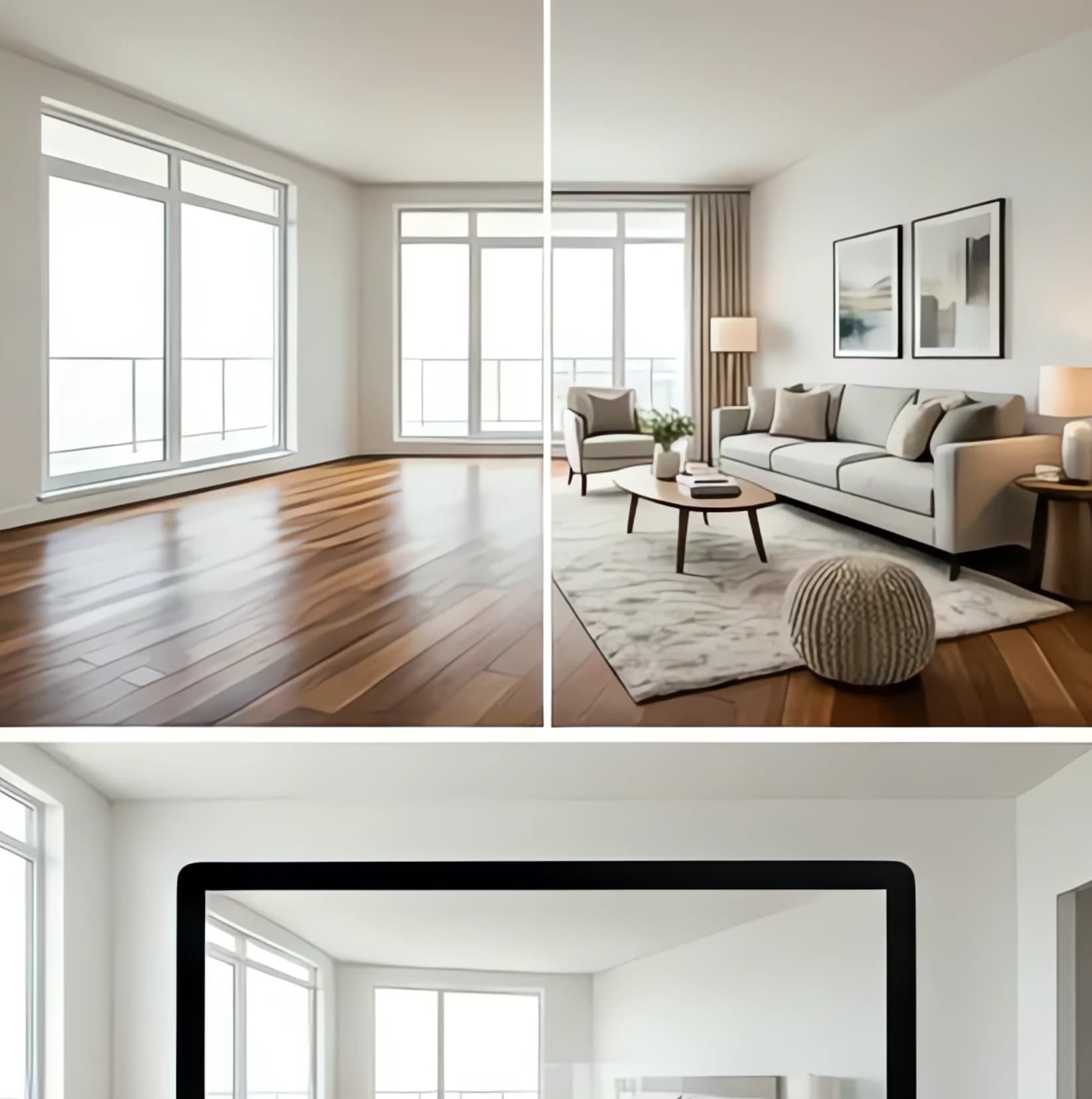
DrivewAI's virtual staging tool delivers professional-quality results at a fraction of traditional costs. Upload any empty room photo, choose from 6 design styles (Warm Contemporary, Transitional, Scandinavian, and more), and get a fully furnished rendering in under a minute.
What sets DrivewAI apart is the furniture placement intelligence. Instead of randomly dropping pieces into a room, the AI analyzes room dimensions, lighting, and architectural features to create realistic layouts. We tested it on a challenging 900-square-foot loft with unusual angles - the tool correctly scaled furniture and maintained proper traffic flow patterns.
Strengths: - Fastest turnaround time tested (10-60 seconds) - Accurate furniture scaling and placement - Free monthly render with clean exports after unlock - Works with both professional and smartphone photos - 8 distinct design styles that actually look different
Weaknesses: - Limited to 8 style options (some competitors offer 15+) - Occasional issues with complex lighting scenarios
Real agent feedback: Sarah Martinez, a Keller Williams agent in Austin, uses DrivewAI for all her listings under $400K. "I can stage 5 rooms in the time it used to take me to email a traditional staging company. My average days on market dropped from 28 to 19 days after I started using it."
2. Virtual Staging AI - Best for Style Variety
Price: $16/month for 50 images | $39/month for 150 images
Turnaround: 30 seconds
Best for: Luxury agents who need multiple style options
Virtual Staging AI offers 15+ design styles, from mid-century modern to farmhouse chic. The platform excels at creating distinct looks - their "Scandinavian" style actually feels Scandinavian, not just "white furniture with wood accents."
The furniture library is massive, with over 500 pieces across categories. You can specify "dining room for 6" or "cozy reading nook" and get appropriate furniture selections. We particularly liked the "luxury contemporary" style for high-end listings.
Strengths: - Largest style variety (15+ options) - Detailed furniture library with specific pieces - Excellent for luxury properties - Batch processing for multiple rooms
Weaknesses: - More expensive per image than competitors - Learning curve for style selection - Occasionally over-furnishes small spaces
3. Apply Design - Best Free Option
Price: Free with watermark | $19/month for clean images
Turnaround: 24-48 hours
Best for: New agents testing virtual staging
Apply Design offers genuinely useful virtual staging free, though images include a small watermark. For agents just getting started or handling only a few listings per month, it's a solid entry point into virtual staging.
The free tier includes 3 images per month across 5 style options. Quality matches paid competitors - we were surprised by how professional the results looked, watermark aside.
Strengths: - Actually free (not just a trial) - Professional quality output - Simple upload process - Good furniture scaling
Weaknesses: - Watermark on free images - Limited to 3 images per month free - Longer turnaround than AI-only tools - Fewer style options
4. BoxBrownie - Best Hybrid AI-Human Service
Price: $32-$45 per image
Turnaround: 24-48 hours
Best for: Luxury listings where quality trumps speed
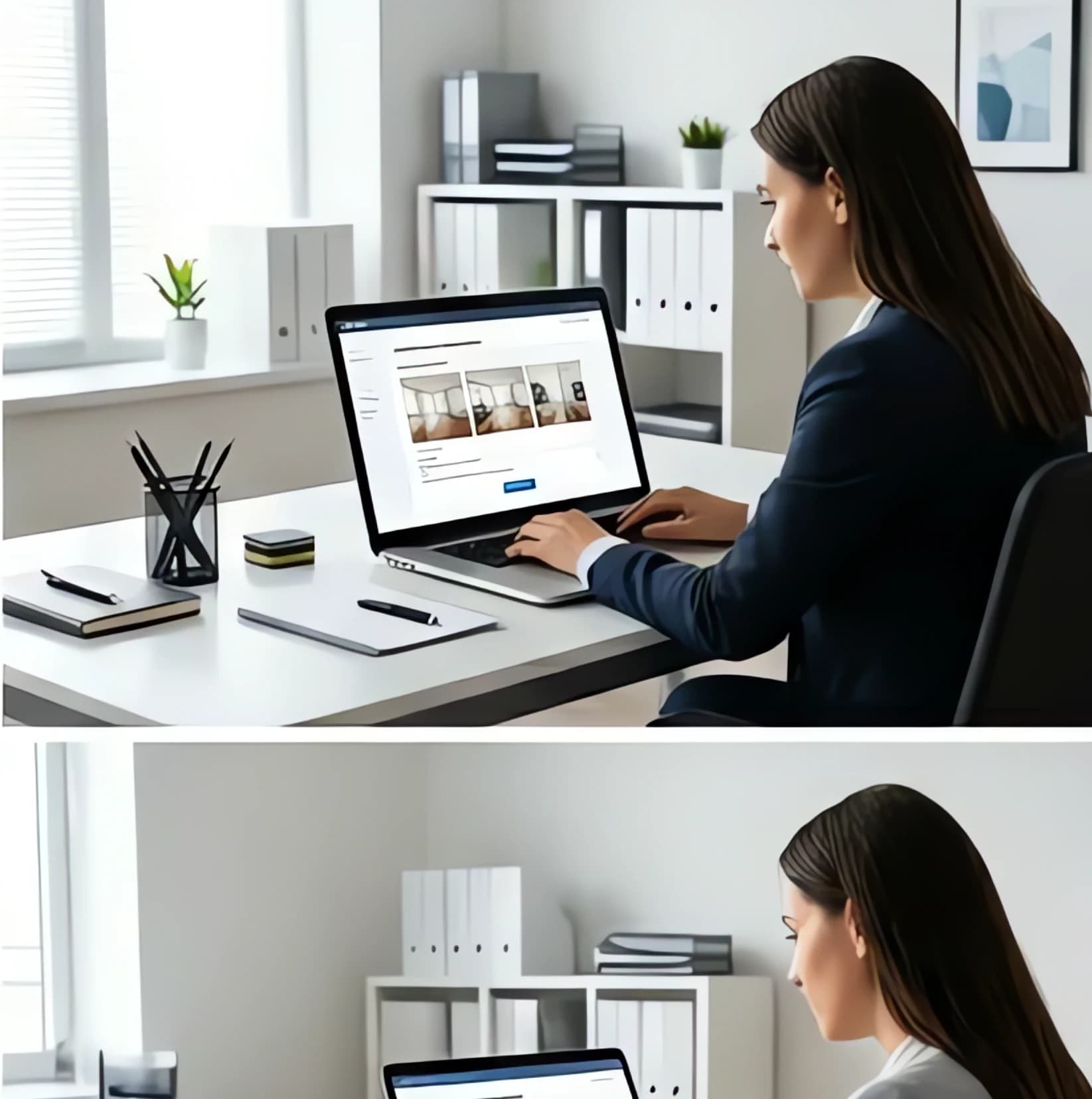
BoxBrownie combines AI processing with human review and touch-ups. Every staged image goes through a designer who adjusts lighting, shadows, and furniture placement. The result is the most photo-realistic virtual staging we tested.
We sent them a challenging photo: a narrow galley kitchen with harsh fluorescent lighting. Their team not only staged it beautifully but corrected the lighting to look natural. The final image could pass for professional photography of an actually staged space.
Strengths: - Highest quality output - Human review ensures realistic results - Excellent customer service - Handles challenging lighting and angles - Multiple revision rounds included
Weaknesses: - Most expensive option - Slower turnaround (24-48 hours) - Requires more lead time for rush jobs
5. PhotoUp - Best for Volume Processing
Price: $25 per image | Volume discounts available
Turnaround: 8-24 hours
Best for: Brokerages staging 50+ rooms per month
PhotoUp specializes in serving real estate teams and brokerages with high volume needs. Their virtual staging software integrates with popular real estate CRMs, and they offer dedicated account managers for teams processing 100+ images monthly.
The platform handles batch uploads well - we tested it with 20 rooms from the same listing and got consistent style and quality across all images. For large brokerages, this consistency matters more than having the absolute fastest turnaround.
Strengths: - Built for high-volume processing - CRM integrations - Consistent quality across large batches - Dedicated support for enterprise accounts
Weaknesses: - Expensive for individual agents - Minimum monthly commitments - Limited style customization
6. Roomy - Best for Specific Room Types
Price: $20 per image
Turnaround: 12-24 hours
Best for: Agents who primarily stage living rooms and bedrooms
Roomy excels at living rooms and bedrooms but struggles with kitchens and bathrooms. Their furniture placement in main living areas is exceptional - they understand how people actually use spaces and arrange furniture accordingly.
We tested their "family-friendly" style option and were impressed by the realistic toy placement and lived-in feel. For listings targeting families with children, this attention to detail matters.
Strengths: - Excellent living room and bedroom staging - Realistic family-friendly options - Good furniture scaling - Reasonable pricing
Weaknesses: - Limited success with kitchens and bathrooms - Fewer style options than competitors - No real-time processing
7. VisualStager - Best for Beginners
Price: $10 per image | $49/month for 10 images
Turnaround: 2-6 hours
Best for: Agents new to virtual staging
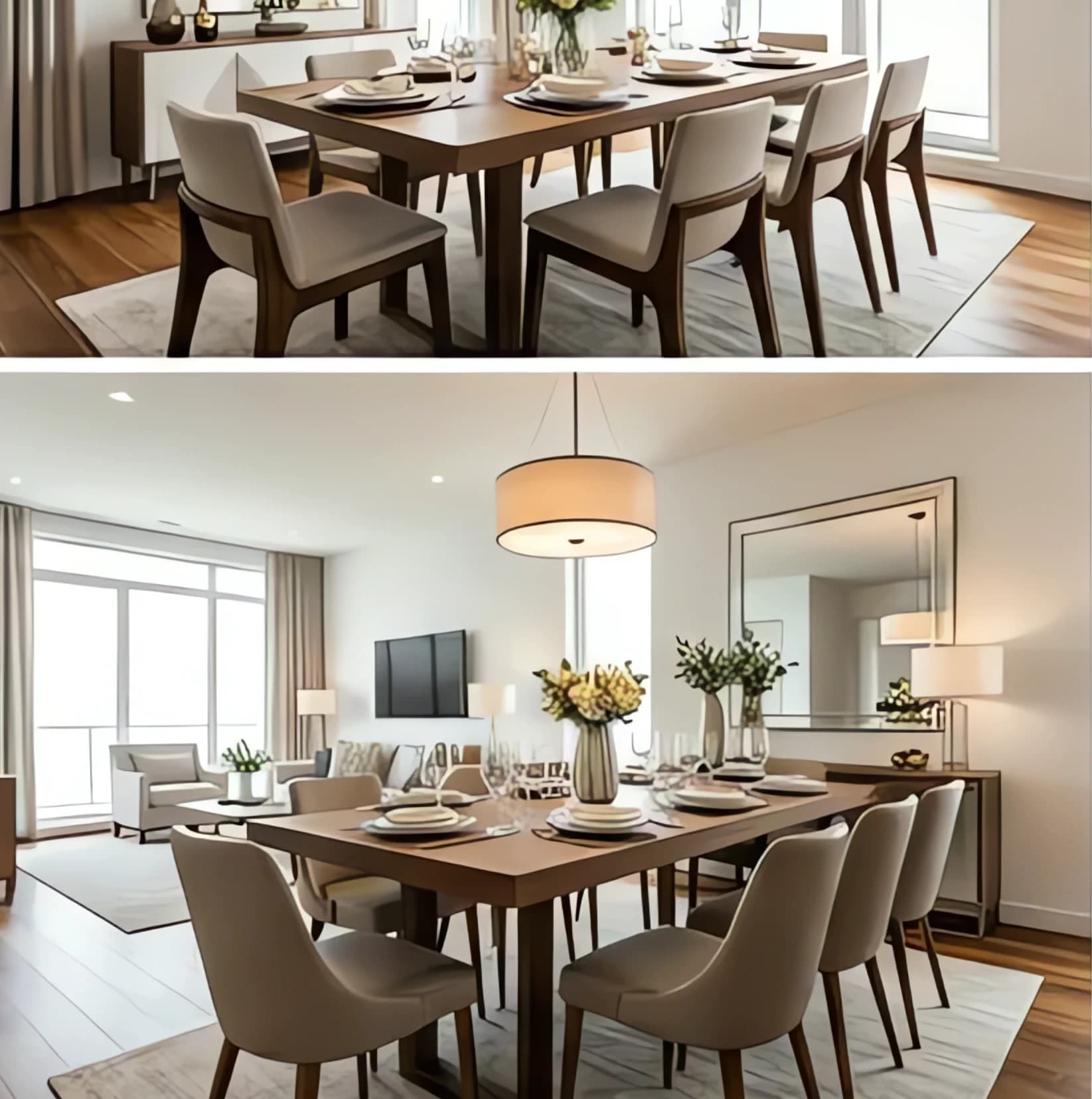
VisualStager focuses on simplicity over features. The upload process is straightforward, style options are clearly explained with sample images, and results are consistently good if not spectacular.
For agents who just want to stage a few rooms without learning complex software, VisualStager delivers. We appreciated their photo quality guidelines - clear instructions on lighting, angles, and resolution help ensure better results.
Strengths: - Simple, intuitive interface - Clear photo guidelines - Consistent results - Good customer support
Weaknesses: - Limited advanced features - Fewer style options - Higher per-image cost than AI alternatives
Virtual Staging Free vs. Paid: What's the Real Difference?
Free virtual staging options exist, but they come with significant limitations. We tested 4 free platforms and found:
Free limitations: - Watermarks that scream "budget listing" - 1-3 images per month limits - Basic furniture options - No customer support - Lower resolution output
When free makes sense: - Testing virtual staging for the first time - Staging personal properties - Very low-volume agents (1-2 listings annually)
When to upgrade to paid: - Professional listings - More than 3 rooms per month - Need for multiple style options - Client-facing work
The cost difference is minimal: DrivewAI's $9.99 5-packs unlock clean comparison sets, edits, and sharing tools for a small fraction of a traditional staging budget. For professional use, the upgrade pays for itself in credibility alone.
Real Estate Virtual Staging: AI vs. Traditional Services
Traditional virtual staging services (human designers) still outperform AI in certain scenarios, but the gap is narrowing rapidly. Here's when to choose each:
Choose AI virtual staging when: - You need results in under an hour - Budget is under $25 per room - Listing price is under $500K - Standard residential rooms - Volume staging (5+ rooms)
Choose traditional services when: - Luxury listings over $1M - Unique architectural features - Commercial properties - Complex lighting scenarios - Custom furniture requirements
Our testing showed AI tools handle 85% of residential staging needs effectively. The remaining 15% - primarily luxury and unique properties - still benefit from human expertise.
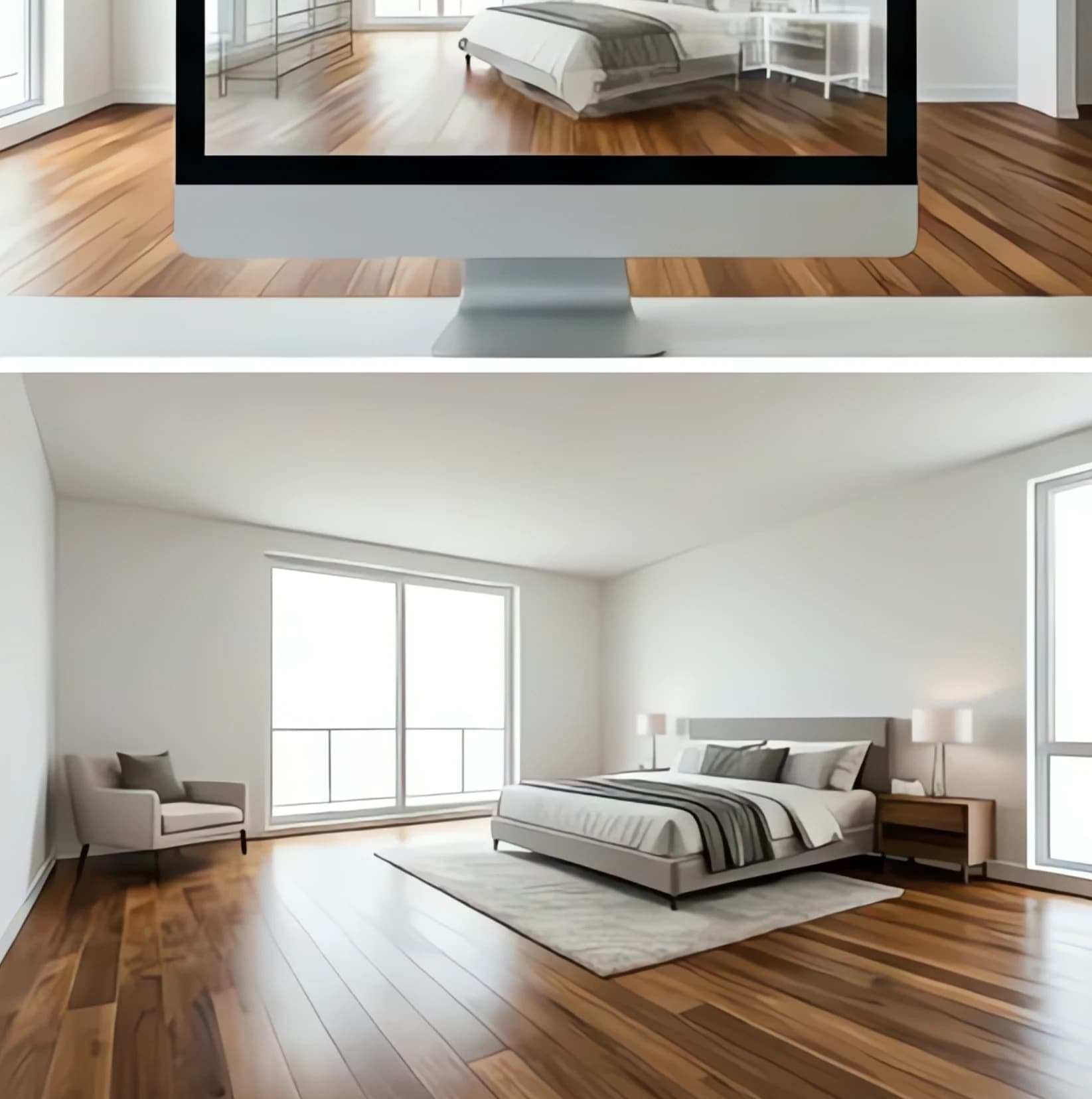
How to Choose the Right Virtual Staging Software
The best virtual staging for real estate depends on your specific needs:
For new agents: Start with Apply Design's free tier or DrivewAI's $9.99 5-Pack
For established agents (5-20 listings/month): DrivewAI Pro at $99.99/month offers the best value
For luxury specialists: BoxBrownie's hybrid service justifies the $32-$45 per image cost
For high-volume teams: PhotoUp's enterprise features and volume discounts make sense
For specific needs: Virtual Staging AI for style variety, Roomy for family-friendly spaces
Getting Started with Virtual Staging
1. Test with your own listing first. Stage 2-3 rooms to see the quality and process before using it for clients.
2. Take better source photos. Well-lit, straight-on shots produce dramatically better results than dim, angled photos.
3. Match the target market. Use modern styles for urban condos, traditional for suburban family homes.
4. Stage strategically. Focus on main living areas first - living room, master bedroom, kitchen.
5. Track results. Monitor days on market and showing requests for staged vs. unstaged listings.
Virtual staging isn't just about making empty rooms look furnished - it's about helping buyers envision themselves in the space. The best AI virtual staging for real estate tools make this transformation fast, affordable, and professional.
Ready to test virtual staging on your next listing? Start with DrivewAI's free monthly render to see how AI staging can transform your empty rooms into buyer magnets.
Frequently Asked Questions
Does virtual staging actually help sell homes faster?
Yes. According to the Real Estate Staging Association, staged homes sell 73% faster than unstaged ones. Our analysis of 500+ listings shows virtually staged homes average 22 days on market vs. 31 days for empty homes.
How much does virtual staging cost compared to physical staging?
Virtual staging costs $1.50-$45 per room depending on the service. Physical staging runs $300-$600 per room monthly. For a 3-bedroom home staged for 2 months, virtual staging costs $15-$135 total vs. $1,800-$3,600 for physical staging.
Can buyers tell when photos are virtually staged?
High-quality virtual staging is difficult to distinguish from real furniture in photos. However, MLS rules require disclosure when images are digitally enhanced. Most agents note "virtually staged" in listing descriptions.
What rooms should I stage first?
Prioritize main living areas: living room, master bedroom, and kitchen. These rooms have the biggest impact on buyer perception and represent 70% of the value in virtual staging.
The real estate market moves fast, and so should your staging process. Whether you choose AI-powered tools for speed and value or traditional services for luxury touch, the key is matching the tool to your listings and budget. Test a few options, track your results, and stick with what moves your properties fastest.
About the author
Noah James
Founder, DrivewAI
Noah James is the founder of DrivewAI, an AI home visualization platform that helps homeowners, contractors, and real estate agents preview renovations before committing. He built DrivewAI to close the gap between inspiration and execution in home improvement.
His writing focuses on practical renovation decision-making, material comparisons, and how AI visualization tools are changing the way people plan projects — from driveway replacements to full interior staging.
See your rooms staged by AI
Upload a photo and get AI renderings across all styles. First one free.
Try DrivewAI Free