AI Landscape Design: Visualize Your Yard Before Spending a Dollar
By Noah James
• 9 min read • Founder, DrivewAI
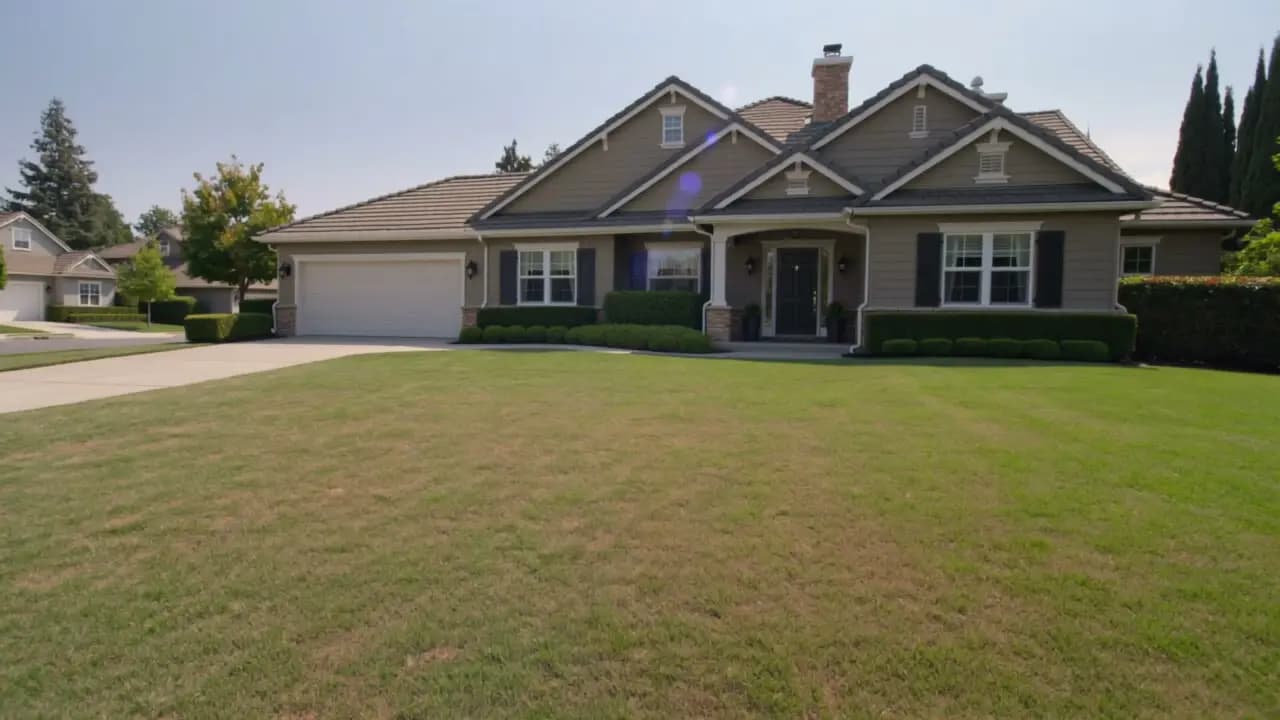
Landscaping is one of the biggest visual changes you can make to a home — and one of the most expensive to get wrong. The average professional landscaping project costs $3,000 to $15,000 depending on scope, and a full redesign with hardscaping can push past $20,000. Once the plants are in the ground and the stone is laid, you're living with the result.
That's the problem AI landscape design solves. Instead of committing thousands of dollars based on a contractor's verbal description or a mood board pulled from Pinterest, you upload a single photo of your yard and see exactly how it would look in 8 different landscaping styles — in under 60 seconds.
We just launched DrivewAI's landscaping redesign tool, and this post breaks down how AI landscape visualization works, who it's for, and why it changes the way homeowners, landscapers, and real estate agents approach outdoor design.
How AI Landscape Design Works
Traditional landscape design software — tools like SketchUp or PRO Landscape — requires you to manually build a 3D model of your yard, place individual plants, and adjust camera angles. That's fine for professionals billing hourly, but it's not realistic for a homeowner who just wants to see whether their front yard looks better with ornamental grasses or boxwood hedges.
AI landscape design takes a fundamentally different approach. You upload a photo of your yard — front, back, or side — and the AI does three things:
1. Analyzes your property. It identifies the house, driveway, sidewalks, fences, and neighboring structures. These elements are locked in place and won't be altered. 2. Isolates the landscaping. The AI separates the plantable areas — lawn, garden beds, foundation plantings, and garden hardscape — from the permanent structures. 3. Generates a redesign. Based on the style you select, the AI replaces only the landscaping elements with a photorealistic rendering of the new design.
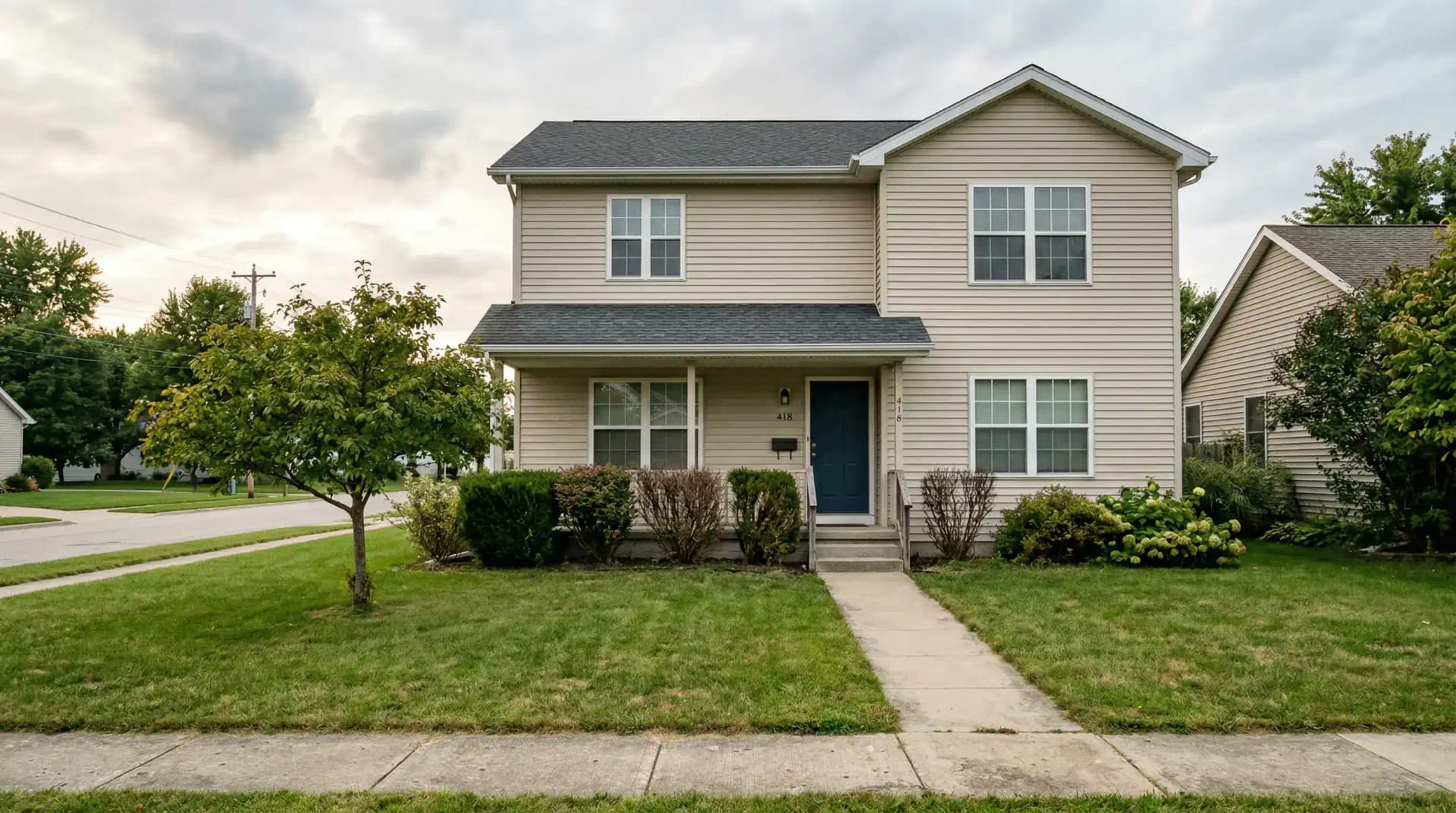
The result is a before-and-after image that shows your actual home with completely new landscaping. Not a generic rendering of someone else's property. Your house, your driveway, your neighborhood — with a new yard.
8 Landscaping Styles You Can Preview
One of the biggest advantages of AI visualization is the ability to compare multiple styles on the same property in minutes. DrivewAI's landscaping tool includes 8 curated design styles:
Cottage Garden — Lush, dense perennials like lavender, roses, and delphiniums with rustic pathways and climbing roses. Romantic and slightly wild.
Desert Xeriscape — Drought-tolerant plants including agave, yucca, and cactus with decomposed granite groundcover and accent boulders. Ideal for water-conscious homeowners in arid climates.
Japanese Zen — Japanese maples, raked gravel, stone lanterns, moss ground cover, and carefully placed stepping stones. Meditative and minimal.
English Formal — Clipped boxwood hedges, topiary, formal rose beds, and striped lawns. Structured elegance with a central axis.
Native Wildflower — Naturalized meadow with native grasses and regional wildflowers, mown pathways, and ecological design. Low maintenance and pollinator-friendly.
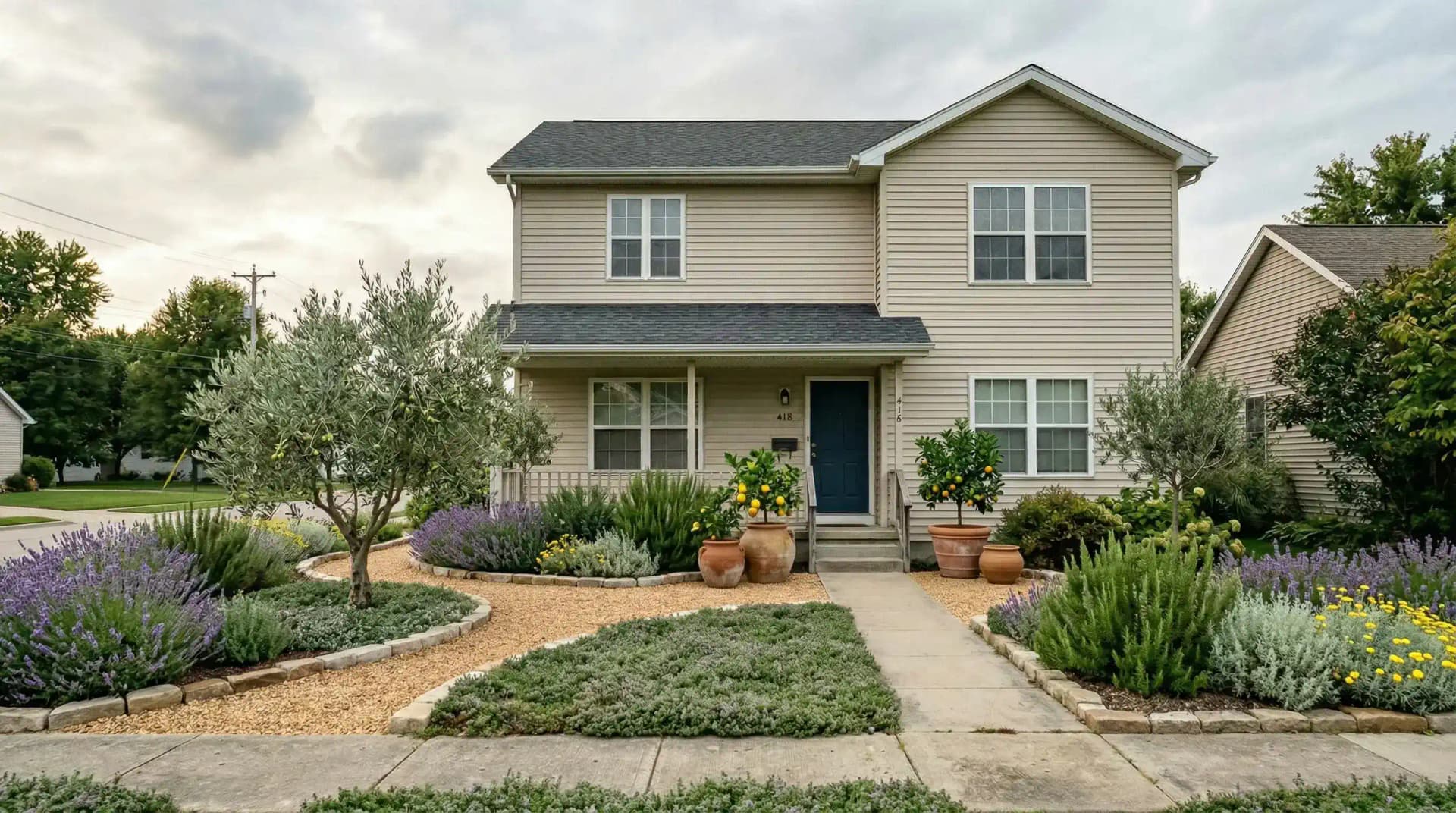
Mediterranean — Olive trees, Italian cypress, lavender, rosemary, and warm stone. Rustic-elegant and naturally drought-resistant.
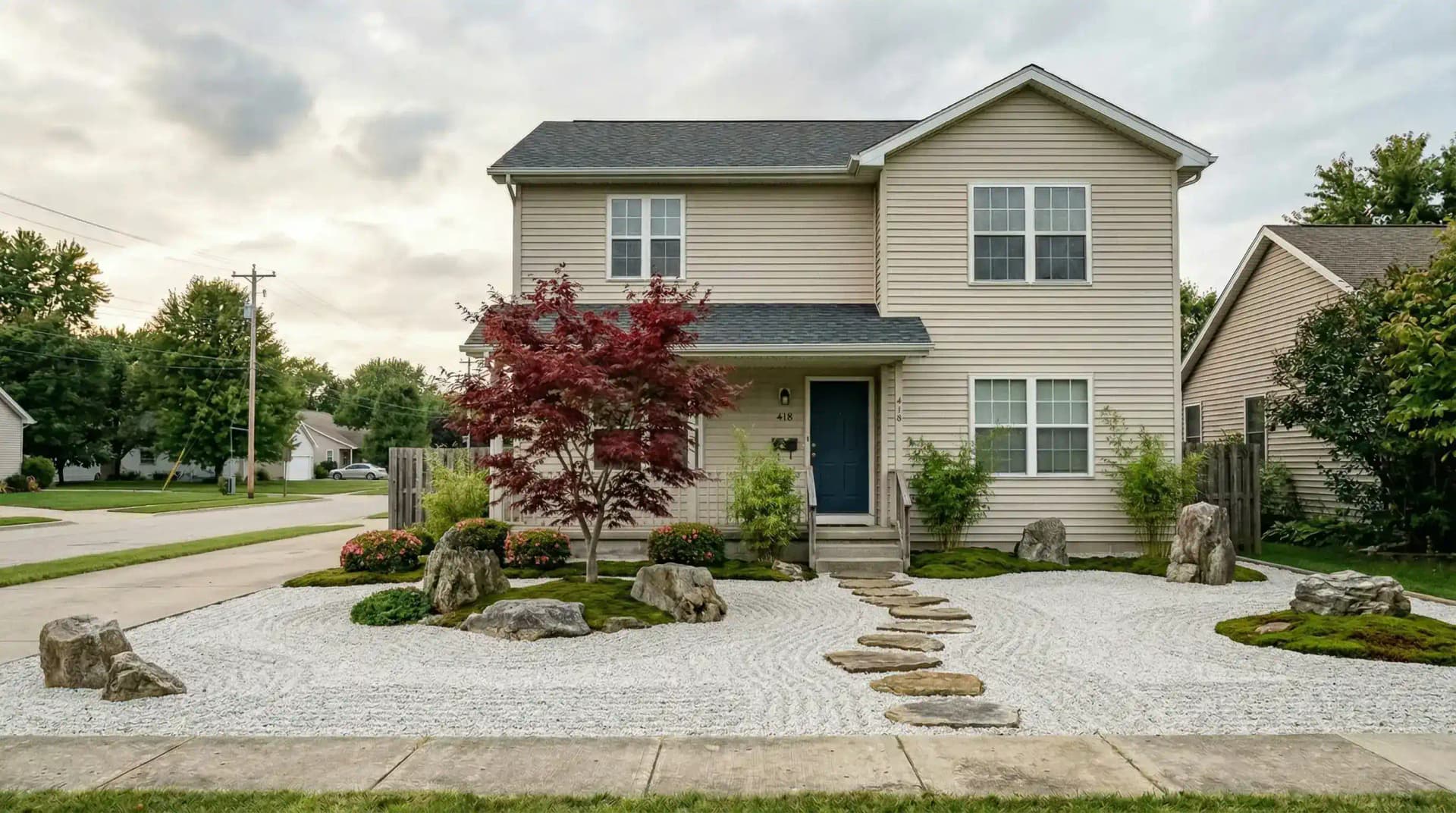
Contemporary Outdoor Living — Modern furniture zones, pergolas, large-format pavers, fire features, and minimal lawn. Designed for entertaining.
Woodland Shade Garden — Shade-loving ferns, hostas, and bleeding hearts with mulch pathways. Perfect for properties with mature tree cover.
Each style generates a photorealistic rendering that preserves your home's architecture. You're comparing landscaping options, not imagining them.
Who Benefits From AI Landscape Visualization
Homeowners Planning a Renovation
This is the primary use case. If you're about to spend $5,000–$20,000 on landscaping, seeing the result before hiring a contractor eliminates the biggest risk in the process: choosing the wrong style. Most homeowners pick a landscape design based on photos from other properties or a landscaper's suggestion. AI visualization lets you see how that exact style would look on *your* property — and compare it against 7 alternatives.
It's also useful for phased installations. If you're tackling the front yard this year and the backyard next year, you can visualize both before committing to a design language.
Landscapers and Designers
Contractors spend hours creating mock-ups for client presentations. AI landscape visualization compresses that process to seconds. Upload a client's yard photo, generate 3–4 style options, and walk them through the results during the consultation.
According to HomeGuide, the average landscape design consultation costs $200–$600. If you can present photorealistic options before that meeting, you close faster and reduce revision cycles.
Real Estate Agents
Curb appeal is one of the top factors in buyer perception. The National Association of Realtors reports that landscape maintenance and upgrades consistently rank among the top exterior features buyers care about. If you're listing a home with a tired yard, AI landscape renderings can show buyers the potential — just like virtual staging does for empty interiors.
Pair a landscaping rendering with AI driveway visualization and interior staging for a complete visual package that transforms how a listing presents online.
AI Landscape Design vs. Traditional Design Software
The landscape design software market has exploded in 2026. Tools like DreamzAR, Planner 5D, iScape, and Rendair AI all offer some form of landscape visualization. Here's how the approaches differ:
| Feature | Traditional Software | AI Photo-Based Tools |
|---|---|---|
| Input required | Manual 3D modeling | Single photo upload |
| Time to first result | 1–4 hours | Under 60 seconds |
| Learning curve | Steep | None |
| Output realism | Depends on skill | Photorealistic |
| Uses your actual property | Rarely | Always |
| Cost | $0–$100/month | $0–$15/month |
Traditional tools like SketchUp and PRO Landscape produce precise, construction-ready plans. They're essential for professional landscapers creating installation blueprints. But for the decision-making phase — "do I want a Japanese Zen garden or a Mediterranean courtyard?" — AI photo-based tools give you the answer in a fraction of the time.
What AI Landscape Design Costs
The cost gap between AI visualization and traditional landscape design is staggering:
- Professional landscape design plan: $500–$5,000 depending on complexity, with most homeowners paying around $2,000–$3,000 for a comprehensive plan - AI landscape visualization: Free to $15/month depending on the tool and usage volume
DrivewAI offers a free monthly render across all products — driveway, staging, landscaping, kitchen, and exterior. That means you can preview how your yard would look for $0, no credit card required. If you want the comparison set, edits, and project tools, unlock a $9.99 5-pack or go Pro at $99.99/month for unlimited renderings.
How to Get the Best Results
A few tips for getting the most realistic AI landscape renderings:
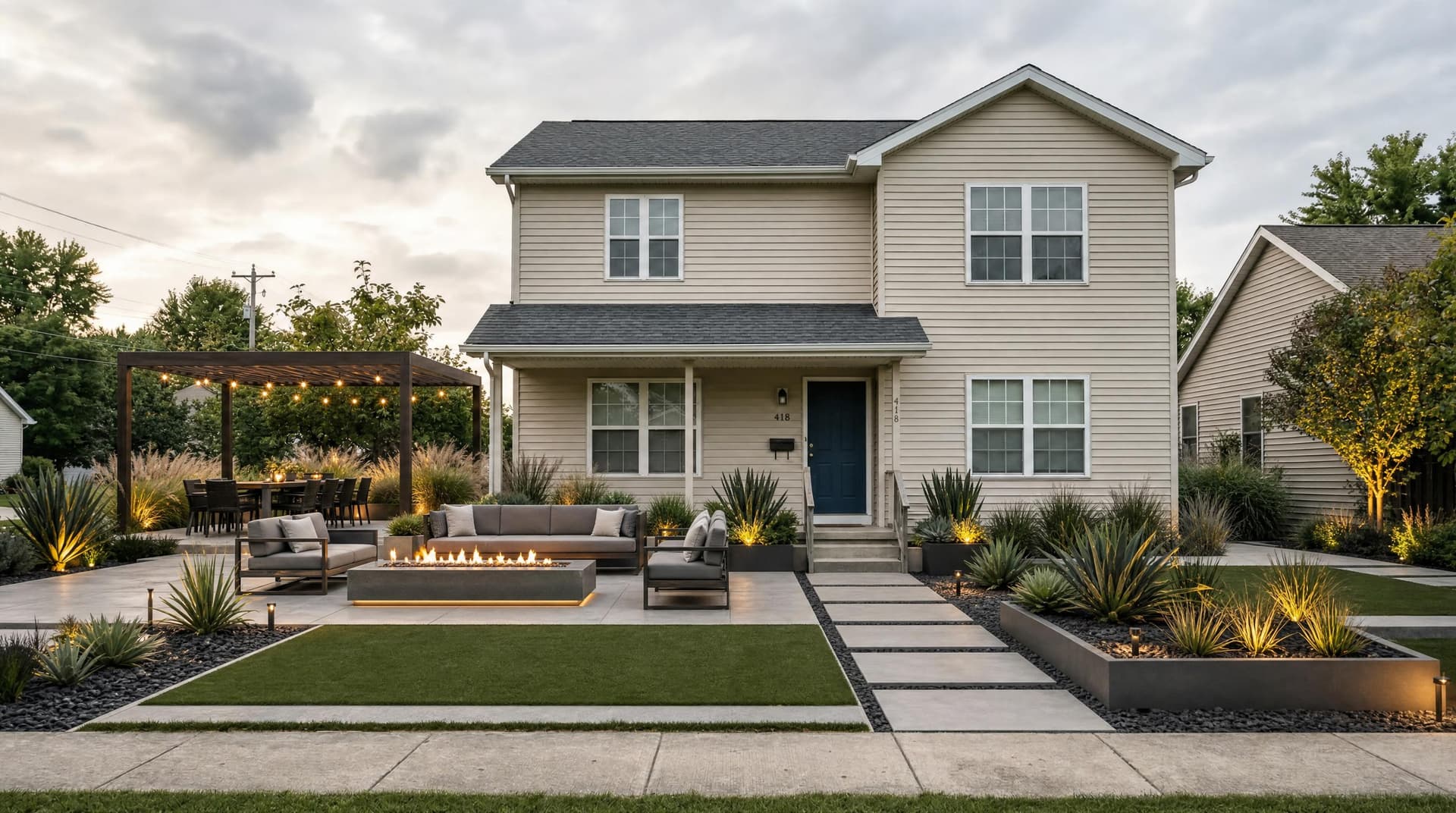
Photograph in good light. Shoot during golden hour or on a bright overcast day. Harsh midday shadows and dark evening photos produce lower-quality results. The AI works with the lighting in your photo, so better light means better renderings.
Capture the full yard. Step back far enough to include the house, the entire front yard, and the edges of the property. The AI needs to see the full context — where the landscaping meets the driveway, the sidewalk, and the foundation — to produce a realistic result.
Try multiple styles. The whole point of AI visualization is speed. Don't stop at the first style that looks good. Run your photo through 3–4 different styles and compare them side by side. You might be surprised — homeowners who come in wanting Contemporary Outdoor Living frequently discover they prefer Mediterranean or Cottage Garden once they see it on their actual home.
Share the results. Download the before-and-after images and bring them to your landscaper consultation. These renderings are the most effective brief you can hand a contractor — they show exactly what you want, on your exact property, eliminating hours of back-and-forth.
The Bigger Picture: AI Home Visualization
Landscaping redesign is the latest addition to DrivewAI's AI home visualization platform. The same technology that powers driveway redesign (6 premium materials) and interior staging (6 design styles) now extends to your yard.
The pattern is the same across all three products: upload a photo, choose a style, and get a photorealistic rendering in under 60 seconds. No design skills required. No software to learn. No contractor appointment to schedule.
Whether you're planning a full exterior renovation — new driveway, new landscaping, new interior staging for a sale — or just curious about what your front yard would look like with Japanese Zen plantings, the tools are free to try.
Try It Now
Upload a photo of your yard and see the results for yourself. DrivewAI's landscaping redesign tool is live now with all 8 styles available. Your free monthly render is included — no credit card, no commitment, no catch.
If you've been putting off a landscaping project because you weren't sure what style to choose, this is the answer. See the result before you spend the money.
About the author
Noah James
Founder, DrivewAI
Noah James is the founder of DrivewAI, an AI home visualization platform that helps homeowners, contractors, and real estate agents preview renovations before committing. He built DrivewAI to close the gap between inspiration and execution in home improvement.
His writing focuses on practical renovation decision-making, material comparisons, and how AI visualization tools are changing the way people plan projects — from driveway replacements to full interior staging.
See your home transformed by AI
Upload a photo and get AI renderings across all styles. First one free.
Try DrivewAI Free